Calling Hazel to Create and Send Emails
We know that builders and people working on job sites all day are on the move and don't always have free hands for texting. That's when calling Hazel becomes a powerful tool to get things done. If you need to write an email — whether it's confirming a change order, providing a status update, or sending information to a sub — you can do it all without touching your phone.
You can:
- Call Hazel and tell her the email you need to send.
- After she writes it, ask her to read it to you.
- If it's good, approve and send it via your voice, or ask her to make a change before sending.
A full record of this will be stored in Hazel's activity log.
See the video below to see this in action. You can also see what's happening on the dashboard while you're having a conversation.
Know someone who could use Hazel? Send them our way.
Other Updates
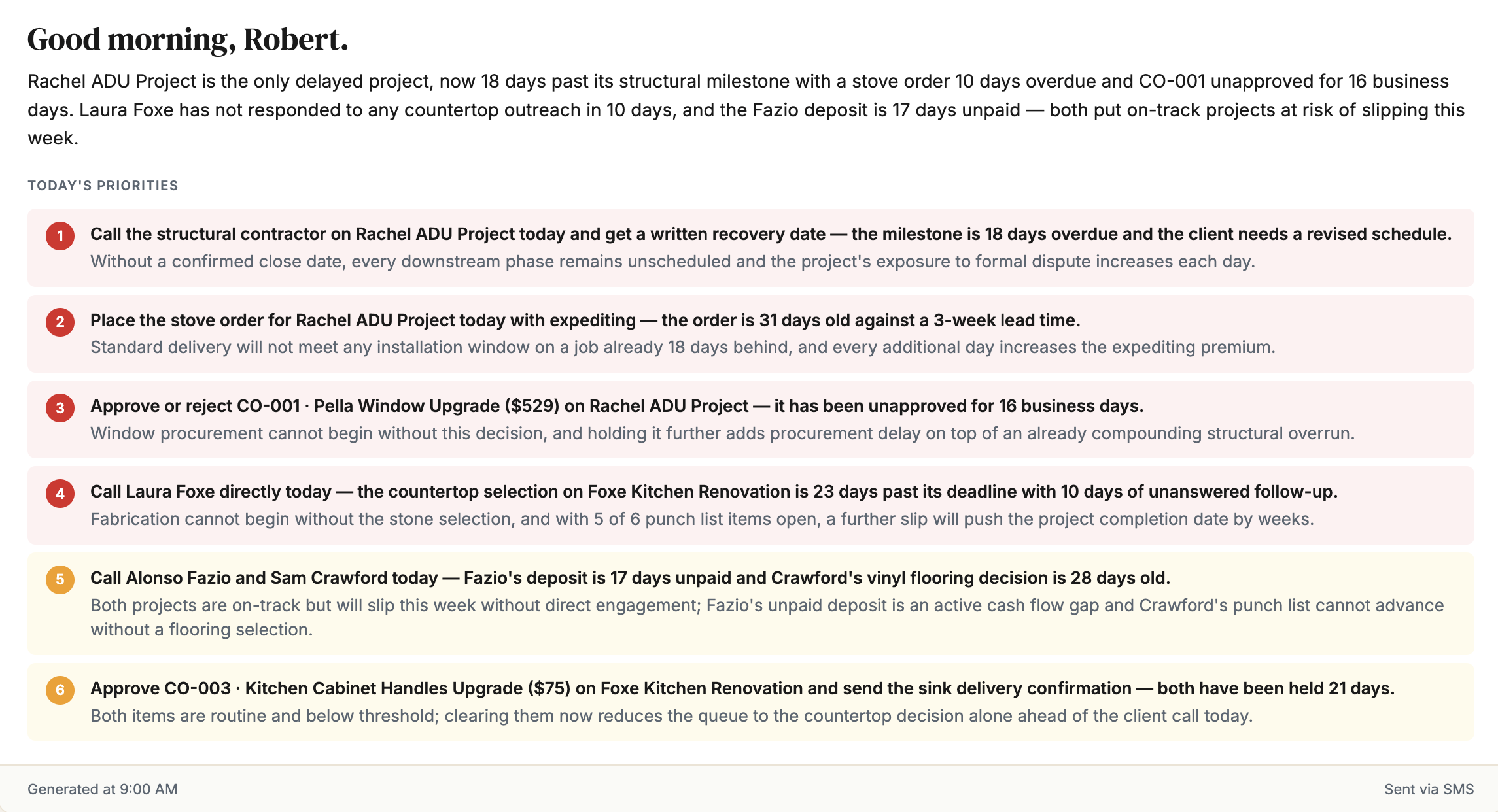
We updated the Daily Briefing on the main Projects page to be much more concise so you can quickly scan the most important information you need today across your projects. You can also get your Daily Digest texted to you automatically in Settings › Preferences.
Original Daily Briefing
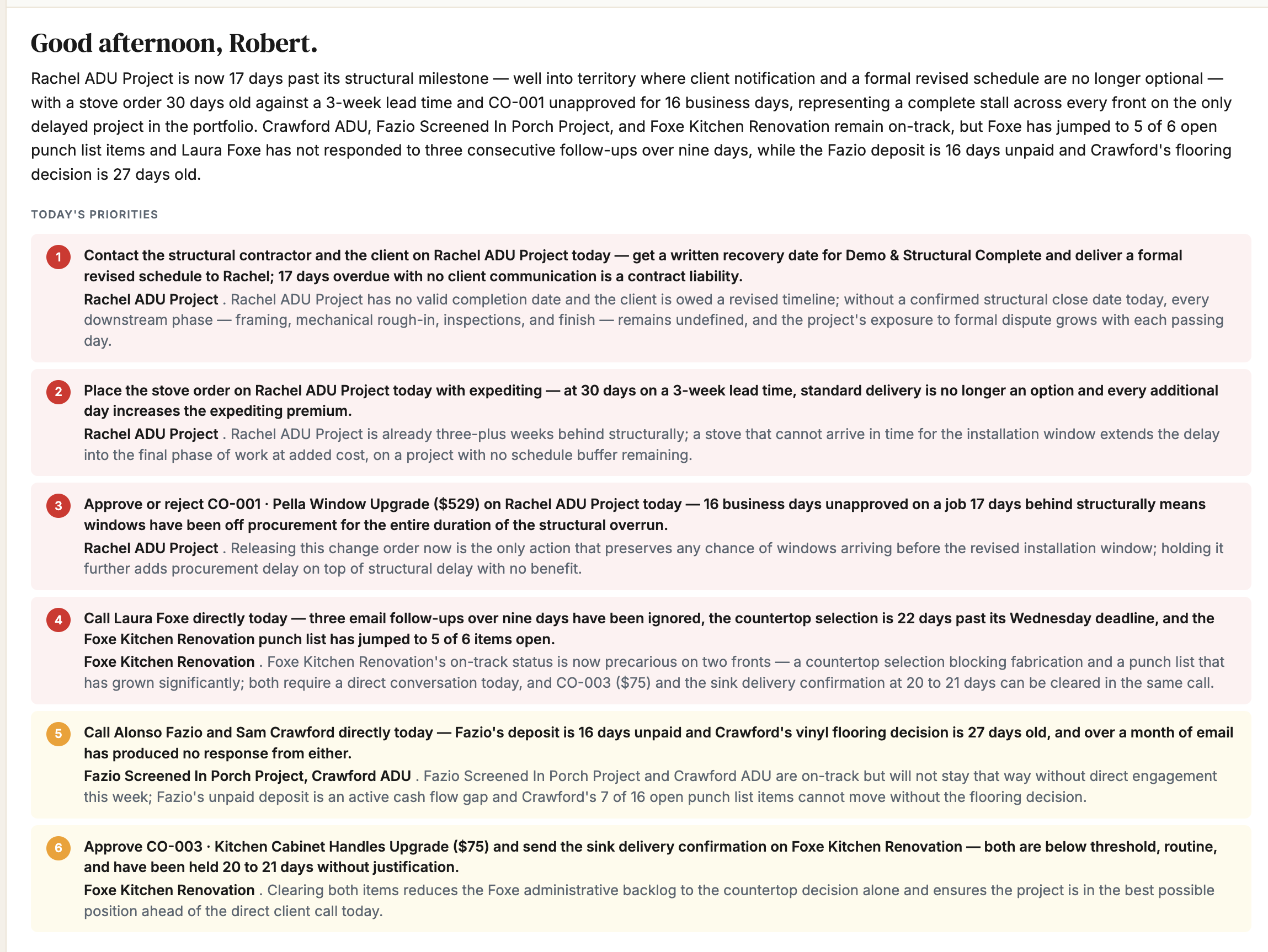
Updated Daily Briefing